FlowbieDownload
AI Reply Assistant

Built for iOS. On-device.

A reply assistant that lives where you message.

AI Reply Assistant connects to WhatsApp and Telegram directly from your device — messages go straight from your phone to the network, never through our servers. Apple Intelligence is built in — with Claude, you get even more expertise to handle more complex requests.

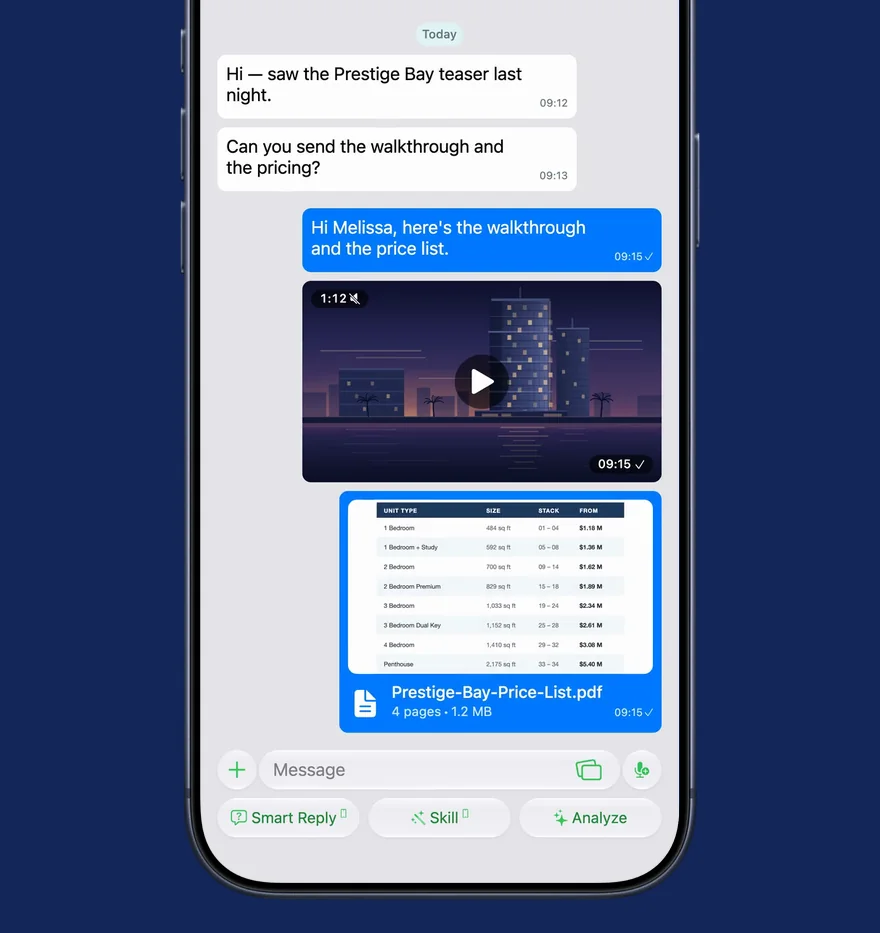
AI Reply Assistant chat view on iPhone
9
Built-in Skills
22
Shortcuts Actions
1M+
Marketplace Skills
22
AI Tools
2
Platforms
How it works

Get started in minutes.

1

Connect

Link your WhatsApp or Telegram in one tap. On-device, end-to-end encrypted — messages never touch our servers.

2

Pick a Skill

Choose from 9 built-in voices, create your own, or import from 1M+ community Skills in the built-in marketplace.

3

Reply

Get 3 draft replies in your tone. Tap to send. Smart Reply, AI Reply, and Analyze — all one thumb away.

Free to start on iOS 26. No account required.

Download on iOS
Privacy

Secure chats. On-device connections.

AI Reply Assistant uses on-device connections for WhatsApp and Telegram. Messages are sent directly from your device to the network, preserving end-to-end encryption (when supported by the network). The AI Reply Assistant app works like the official apps do — messages never touch our servers. Apple Intelligence is integrated through on-device processing. You control when Claude is used — and even then, it goes directly to Anthropic.

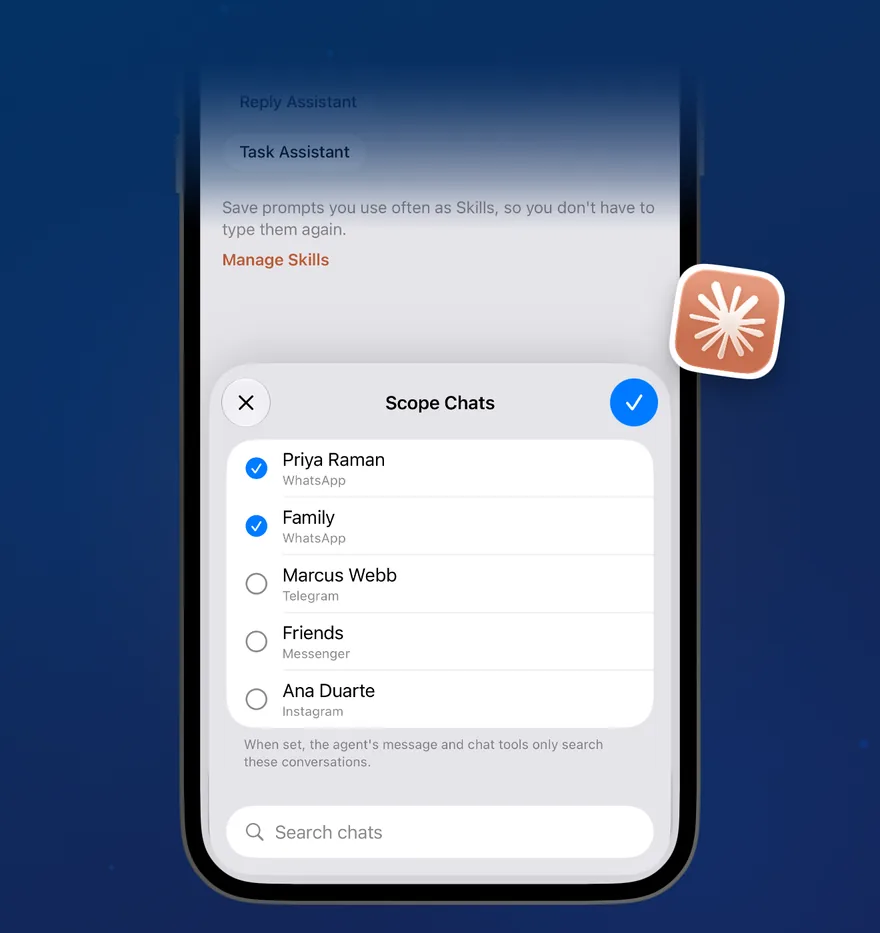
Conversation scoping

You control when Claude is used and choose which conversations to share — not your entire inbox.

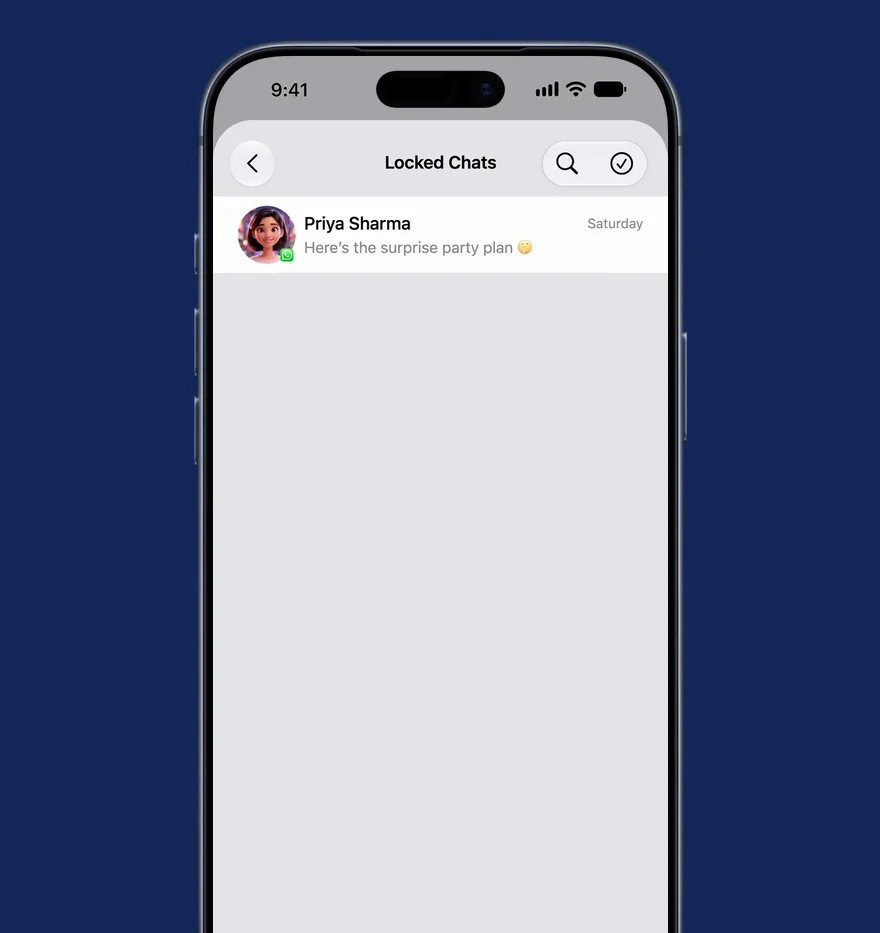
Lock chats

Hide sensitive conversations behind Face ID — even AI Reply Assistant can't peek.

  • WhatsApp — on-device connection via Whatsmeow
  • Telegram — on-device connection via TDLib
  • Apple Intelligence — on-device processing, built in
  • Claude — cloud capability, your own API key, direct to Anthropic
  • Human-in-the-loop — Claude drafts, you decide what gets sent
Apple IntelligenceApple Intelligence
ClaudeClaude
WhatsAppWhatsApp
TelegramTelegram
How Cloud Model works

Per-conversation. By your tap. On your phone.

Step 01
You pick a chat

Tap the Cloud Model toggle inside any conversation.

Step 02
You grant access

That single chat is now Claude-enabled. Other chats stay on-device.

Step 03
Claude drafts

Your device sends the granted-chat context to Anthropic, using your own API key.

Step 04
You review and send

The draft appears in the input bar. You decide what gets sent.

Can you help me draft a careful reply to my landlord about the lease renewal?

Use Cloud Model for this chat?

This conversation will be sent to Claude — using your own Anthropic API key — to draft smarter, more capable replies. Every other chat stays fully on-device.

This chat only · Your key, your account

Nothing leaves your device until you flip the Cloud Model toggle inside a specific chat — and only that chat is shared, using your own Anthropic key.

Even more expertise

Bring your own Claude key.

Apple Intelligence is integrated into the core of AI Reply Assistant through on-device processing. With Claude, you get even more expertise when it might be helpful for you — to handle more complex requests with a 250x larger context window, extended thinking, and 22 tools. You control when Claude is used and choose which conversations to share.

  • 250x more context. Apple's on-device model handles ~3,000 words. Claude handles up to 1M tokens — entire conversation histories, not just the last few messages.
  • Extended thinking. Enhanced reasoning capabilities for complex tasks — Claude's step-by-step thought process is visible before it delivers its final answer, with adjustable effort.
  • 22 tools, agentic behaviour. Claude dynamically directs its own processes and tool usage — web search, document creation (PPTX, XLSX, PDF, DOCX), calendar, contacts, and more.
  • Vision. Understand and analyse a wide range of visual formats — photos, charts, graphs, and technical diagrams alongside your conversations.
  • Per-conversation consent. Only the chats you toggle on are visible to Claude. Your API key stays in iOS Keychain — Flowbie never sees it.
  • Three models, your choice. Haiku 4.5 (fastest, most cost-efficient), Sonnet 4.6 (best combination of speed and intelligence), or Opus 4.6 (most capable, complex reasoning and agentic coding). You pay Anthropic directly — no middleman, no markup.
Apple Intelligence
On-device processing · built in
Default
Claude
Even more expertise · your key · 22 tools

Apple Intelligence is the default. Switch to Claude per chat when you need even more expertise.

Skills

Nine Skills. Ready to go.

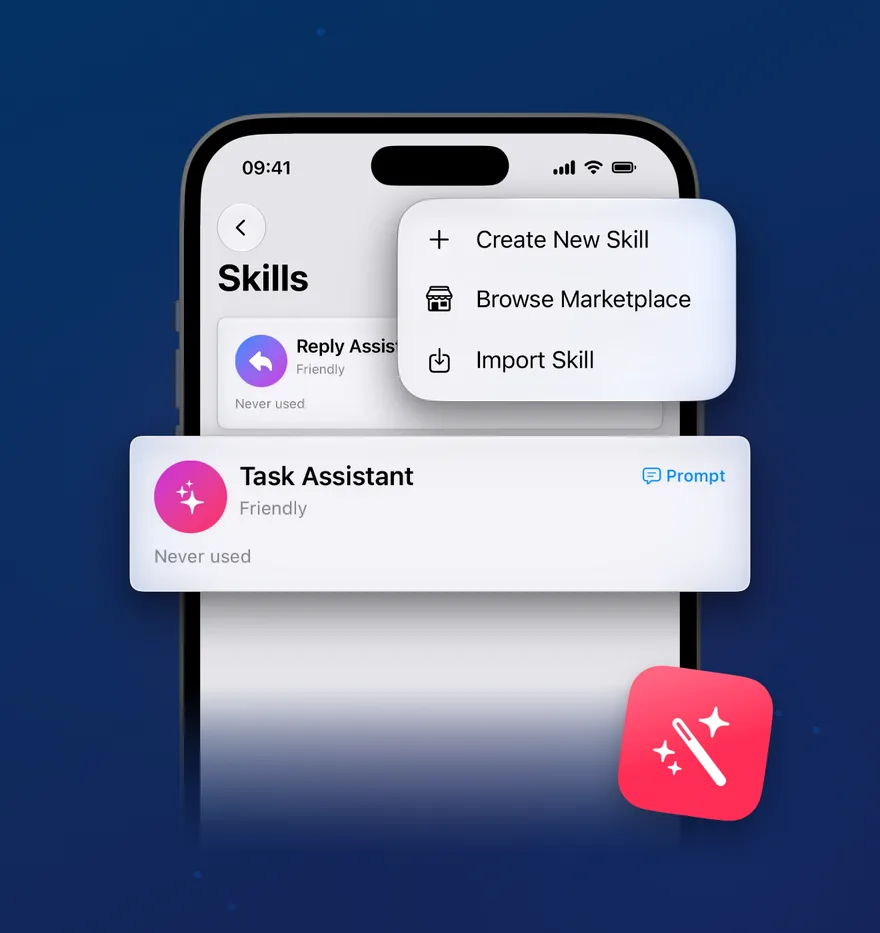
A Skill is a saved AI personality — not just a setting, but a complete knowledge package that teaches AI Reply Assistant how to reply in context. Pick one for the relationship, create your own with a custom system prompt and Knowledge Base, or import one from the built-in Skills Marketplace.

Custom Skills

Create your own with a name, system prompt, and tone sliders — or start from any built-in Skill.

Knowledge Base

Attach documents and URLs that the AI references when drafting replies.

  • General Assistant · Family Circle · Best Friend
  • Work Team · Concierge · Event Planner
  • Travel Buddy · Social Group · Dating
  • Import from 1M+ community Skills via the built-in marketplace
  • Sampling: Consistent / Balanced / Varied

A tone, and the tools you trust.

Work
Professional, concise tone
4
Tools allowed (4 of 5)
The AI picks from the tools you enable
Select up to 5 tools
Calendar
Check availability and events
Reminders
Create and find reminders
Contacts
Look up people and details
Web Search
Search the web for facts
Files
Read from folders you choose
🎚️9 Skills, fully customisable

Each Skill pairs a writing style with up to five AI tools you switch on yourself. The AI only ever reaches for what you’ve allowed — nothing more.

9 Skills. 1M+ in the marketplace. Yours to customise.

Free to start on iOS 26. No account required.

Replies

Read it. Reply to it. Move on.

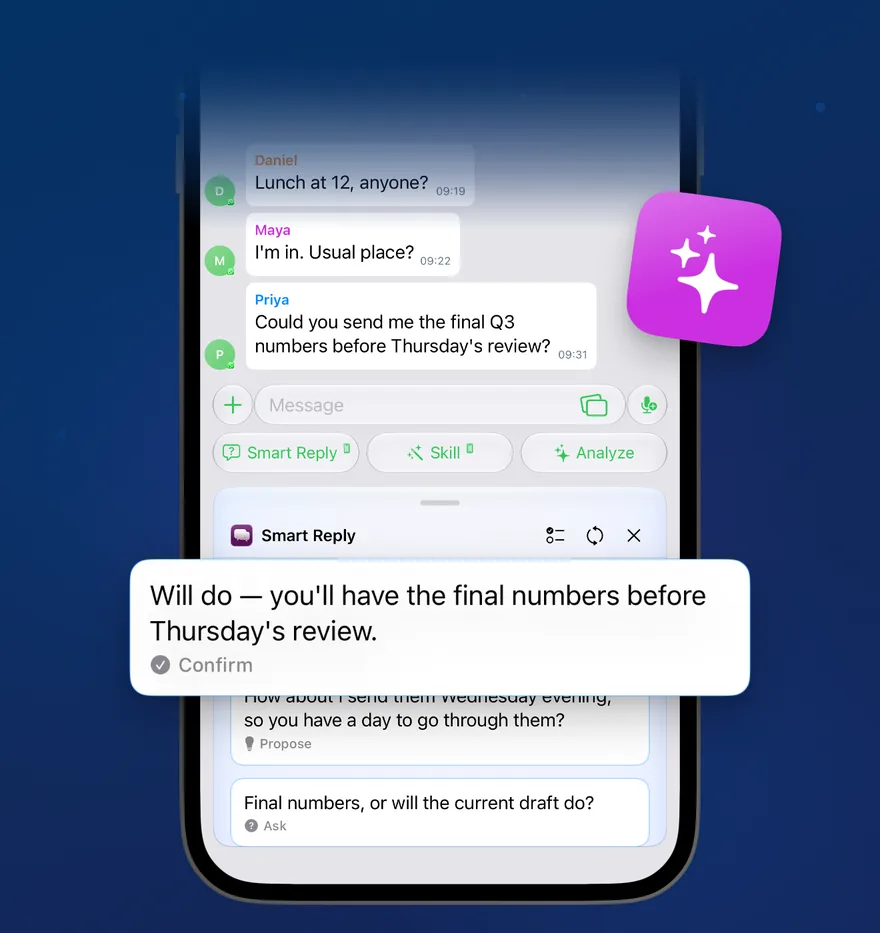
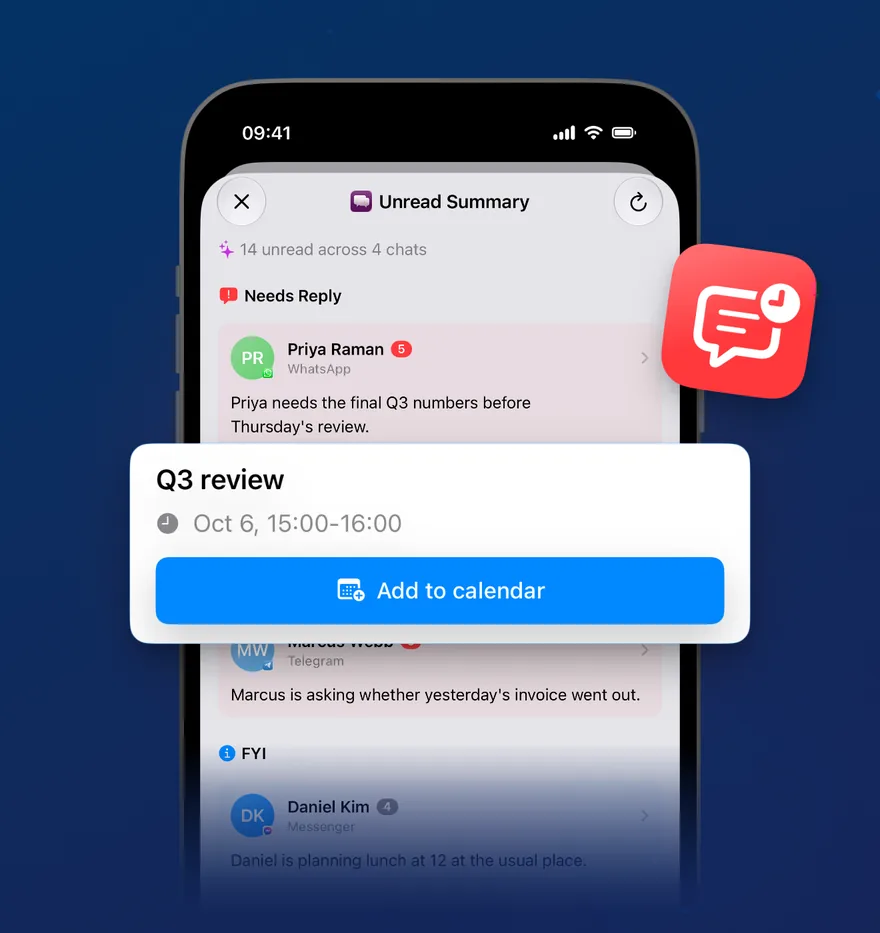
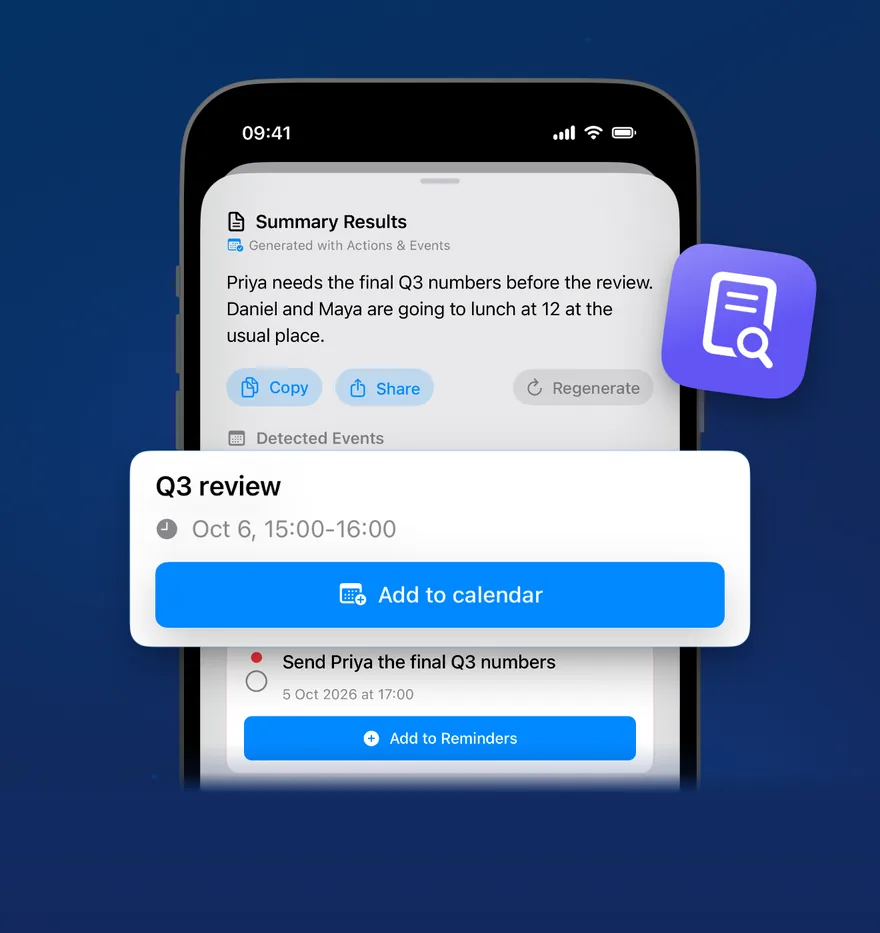
Smart Reply suggests quick options based on the thread. AI Reply drafts a full reply using your active Skill. Analyze summarises the day so you can catch up in seconds.

Quick Reply

Save the messages you send most frequently — with variables like {recipientName} for automatic personalisation, media attachments, and access from Widgets and Control Center.

Scheduled Messages

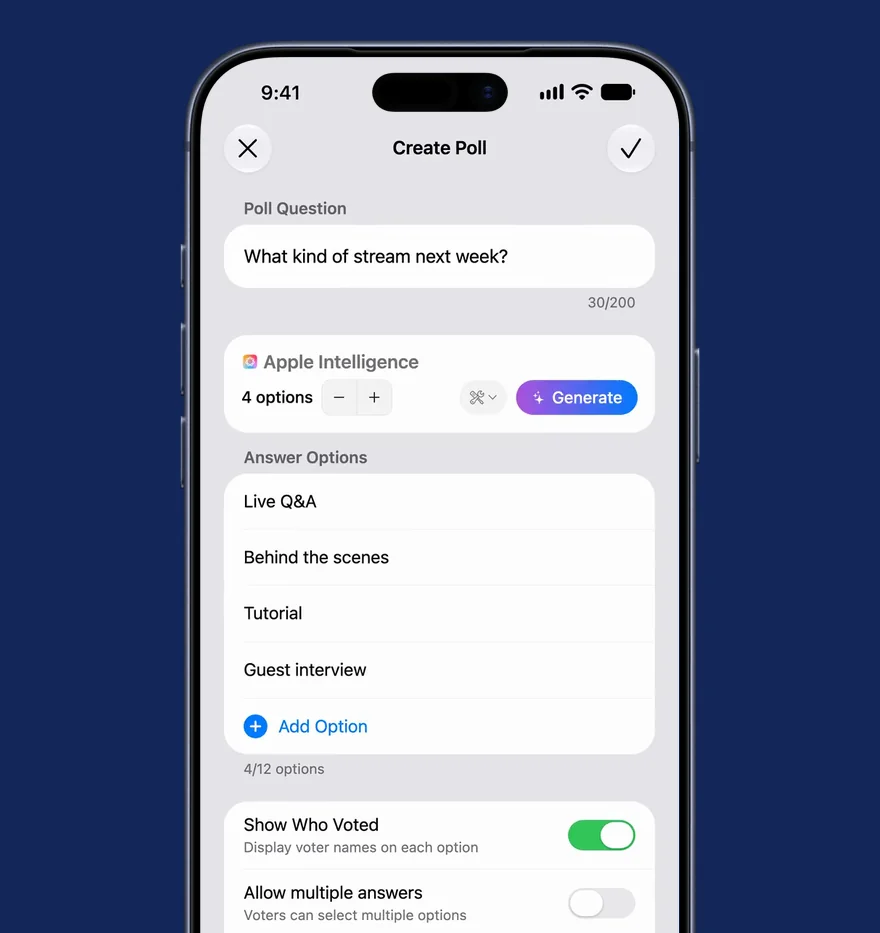
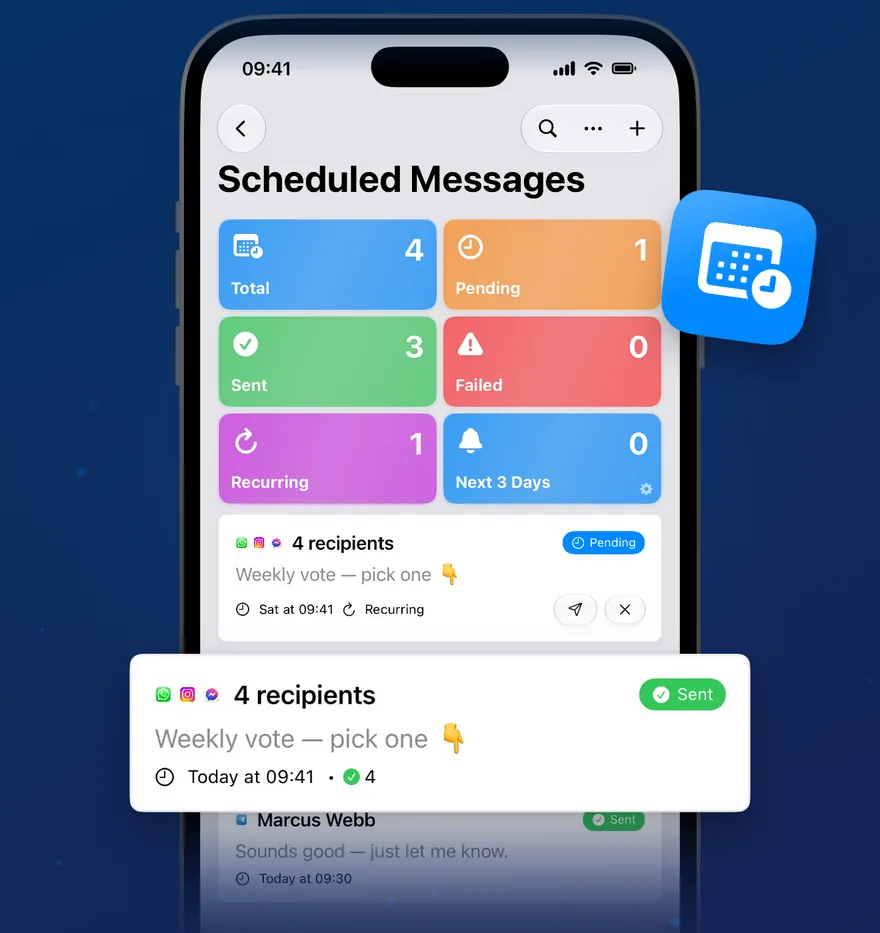
Text, media, polls, events, and more at a time you choose. Telegram delivers server-side; WhatsApp sends on-device.

Send Silently

Long-press the send button on Telegram to deliver without a notification on the other end.

  • Smart Reply — Apple's native suggestions
  • AI Reply — drafted with your active Skill
  • Analyze — day summary with adjustable focus

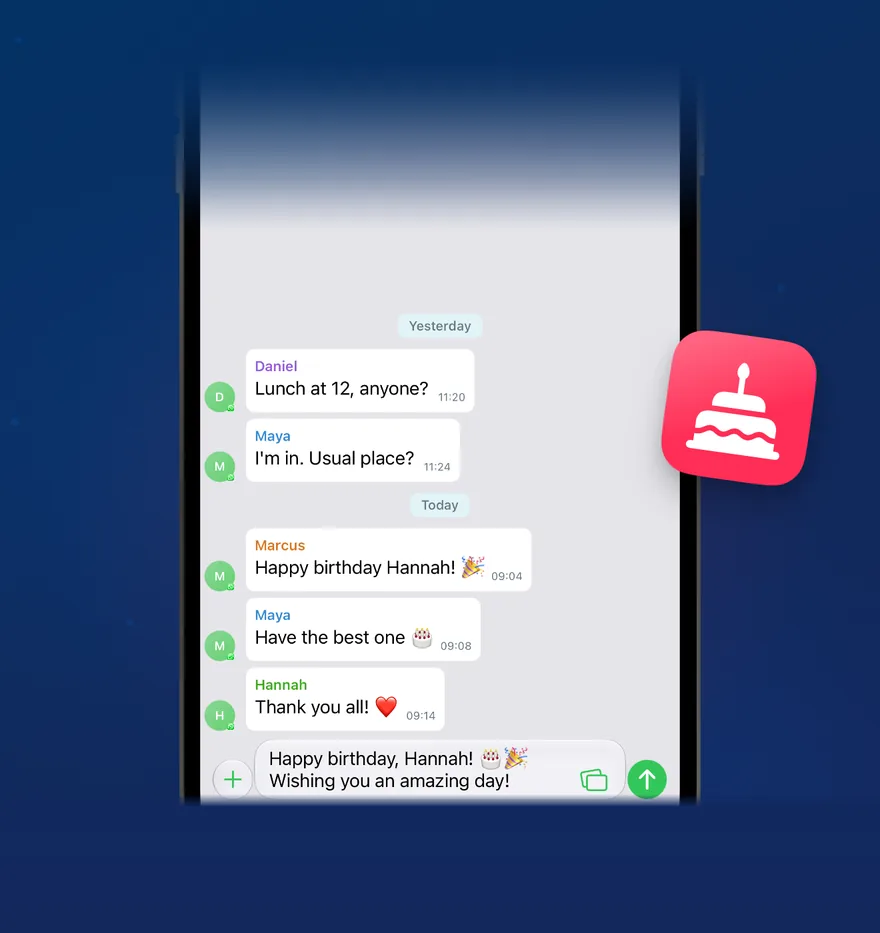
Three drafts in your tone. Tap to send.

Marcus
A few of us are planning a weekend trip to the coast next month — would you and Sarah be up for it? Trying to lock in dates soon.
Message
Smart Reply
On-device · 7 of 10 free today
We’re definitely in! The coast sounds perfect. Let me check dates with Sarah tonight and I’ll confirm by tomorrow — does the long weekend work for everyone?
Agree
Sounds great! Quick question before we commit — were you thinking somewhere with cabins, or more of a camping setup? Want to make sure we pack right.
Question
Yes! We’ve been wanting to get away — count us in. Just say the word on dates and we’ll book the time off.
Excited
3 drafts, tap to send

Smart Reply reads the conversation and drafts three full, ready-to-send replies — each in a different tone. Tap one to drop it straight into the message field. Generated entirely on-device, no copy-paste.

iOS-native

Built into iOS. Not bolted on.

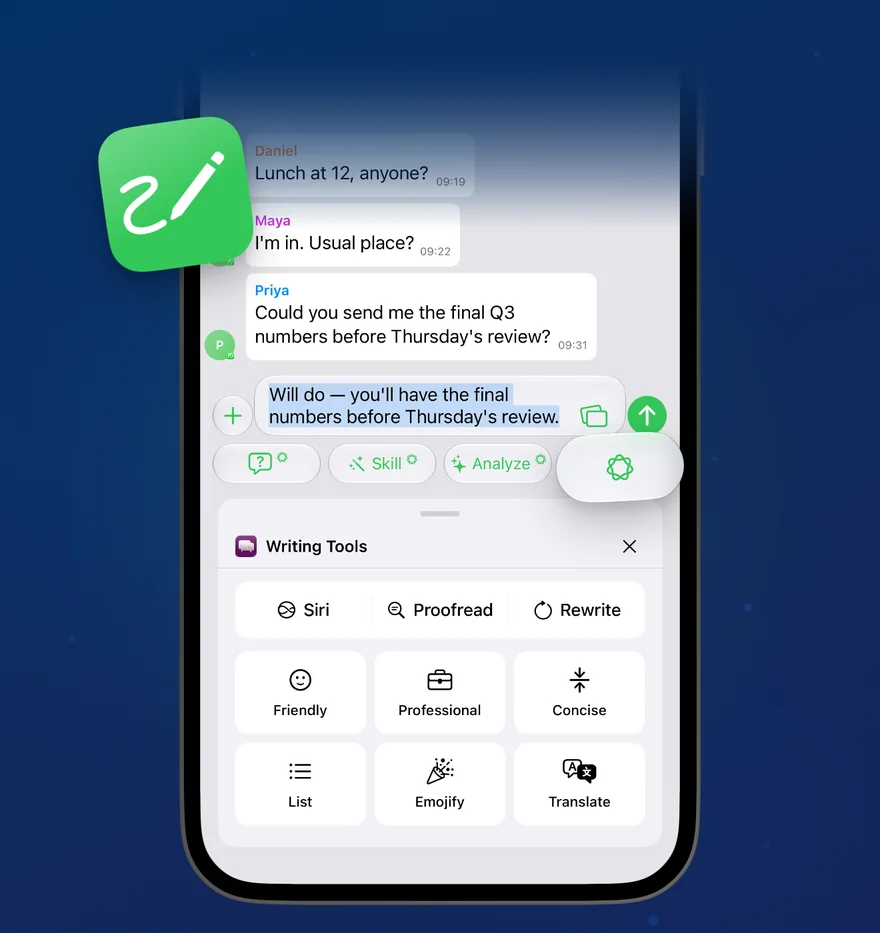
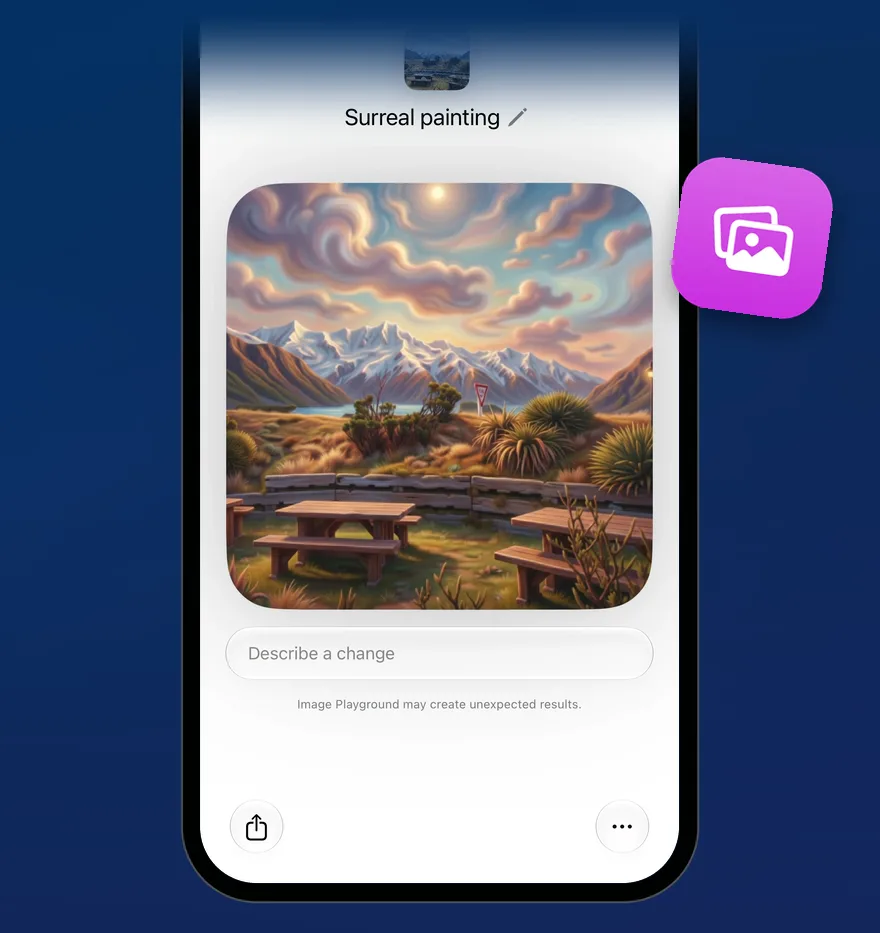
Twenty-two Apple Shortcuts actions with Reminders-style Find queries. Writing Tools to proofread, rewrite, and summarize. Image Playground to create fun, original images. Widgets and Control Center. All wired up natively — not embedded in a webview.

Writing Tools

Writing Tools. Proofread your text, rewrite different versions until the tone and wording are just right, and summarize selected text with a tap.

Image Playground

Image Playground. Create fun, original images right in the conversation. Choose from Animation, Illustration, and Sketch — all created on device.

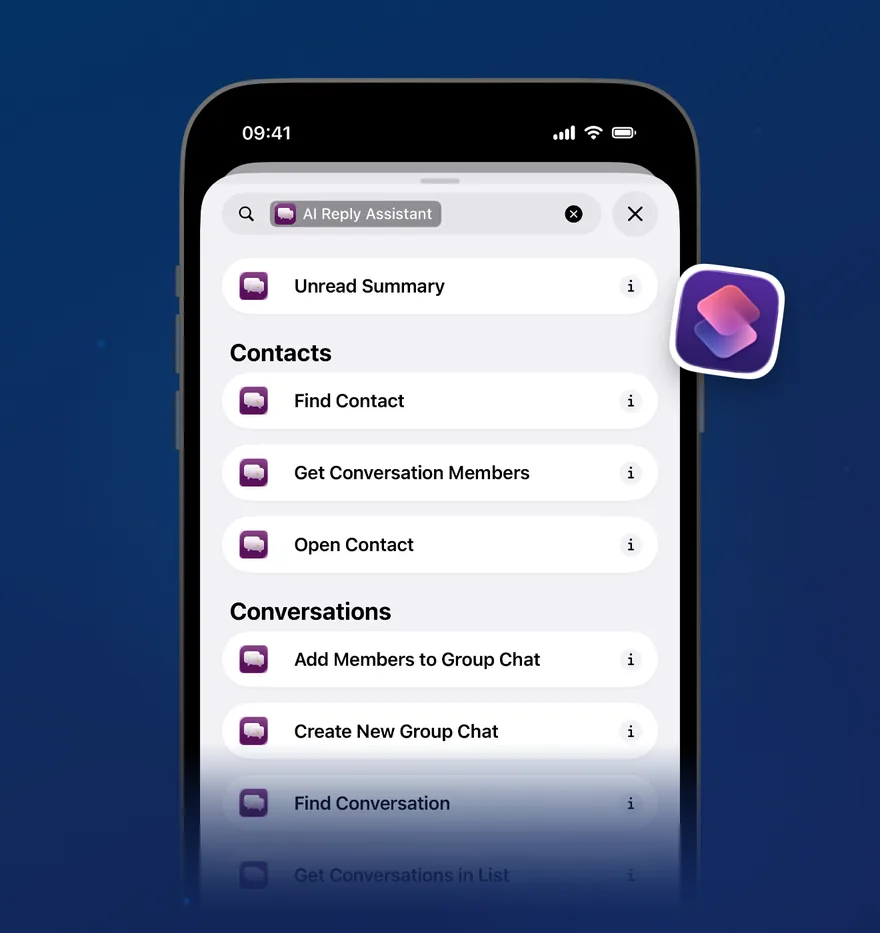
Apple Shortcuts. Accelerate your workflows with twenty-two actions — send, create, find, and open. Filter conversations like Reminders, chain actions, or just ask Siri.

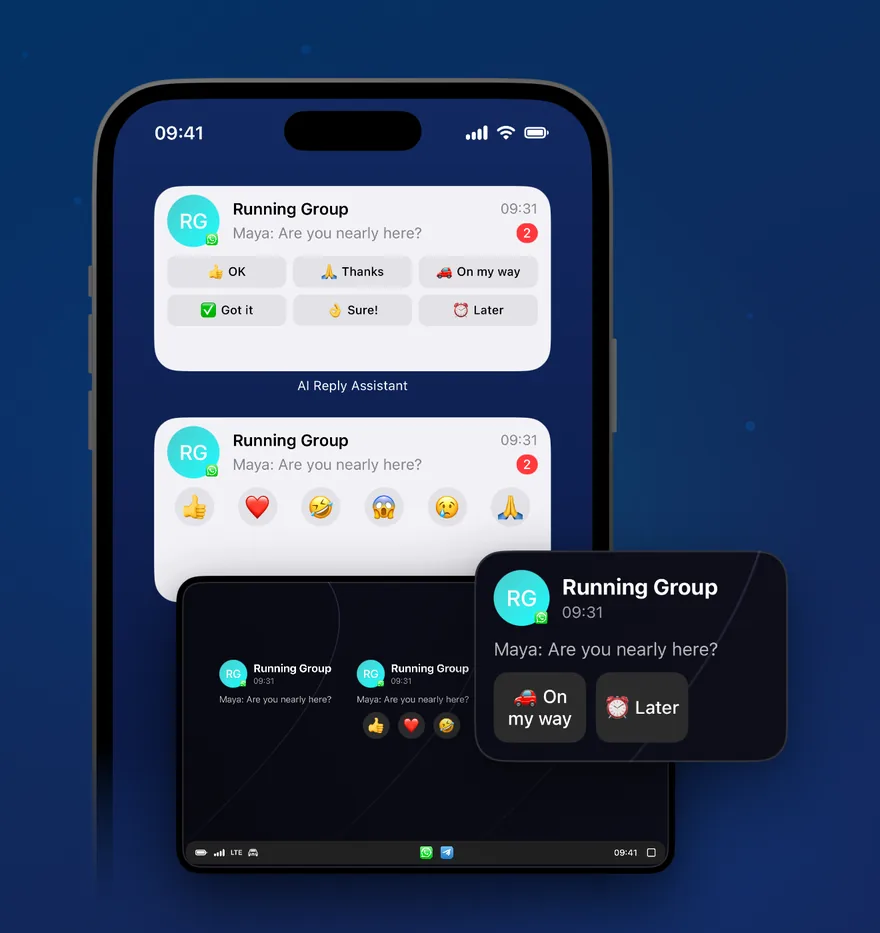
Widgets · Control Center. Get timely information at a glance from the Home Screen and Control Center, ready in a tap.

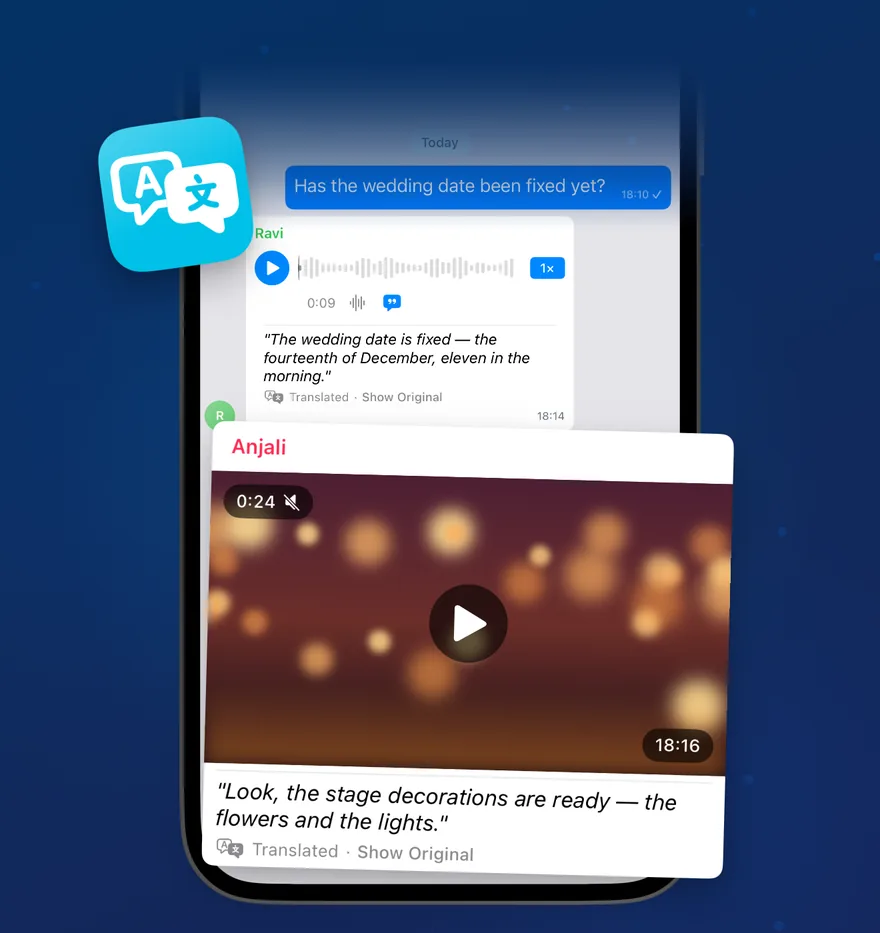
Translate messages. Transcribe voice notes.

Sofia
¡Hola! ¿Podemos vernos mañana para tomar un café? Hay algo importante que quiero contarte.
Hi! Can we meet tomorrow for coffee? There’s something important I want to tell you.
Translated·Show Original
Of course! How about 3pm at the usual place?
🌐Translating Spanish

Inline translation across every message type — text, captions, link previews, transcripts, and interactive messages. If it has text, it can be translated. 20+ languages, entirely on-device.

James
0:14
Hey, just wanted to let you know I’m running about 15 minutes late. Traffic is really bad. I’ll text you when I’m close.
No worries, take your time! I’ll grab us a table.
🎙️On-device transcription

On-device transcription — voice messages, videos, video notes, and audio files. Natively supports over 30 languages and dialects.

Reply threads, organized.

Emily
Anyone free this Saturday? Thinking of checking out that new brunch place near the park.
View 2 replies
James
Emily
Anyone free this Saturday? Thinking of...
I’m in! What time works for everyone?
View Thread
Sofia
By the way, did anyone catch the game last night?
Emily
Anyone free this Saturday? Thinking of...
Count me in! Let’s do 11am.
View Thread
🧵Message Threads
Tap to flip ↻
Replies
Weekend Plans
Emily
Anyone free this Saturday? Thinking of checking out that new brunch place near the park.
2 replies
James
Emily
Anyone free this Saturday? Thinking of...
I’m in! What time works for everyone?
Emily
Anyone free this Saturday? Thinking of...
Count me in! Let’s do 11am.
🧵Thread View
Tap to flip ↻

Tap “View replies” to see every response to a message in one place. Replies to replies are automatically grouped into the same thread — just like the official apps. Works across WhatsApp and Telegram group chats.

Cross-platform

Two platforms. One inbox.

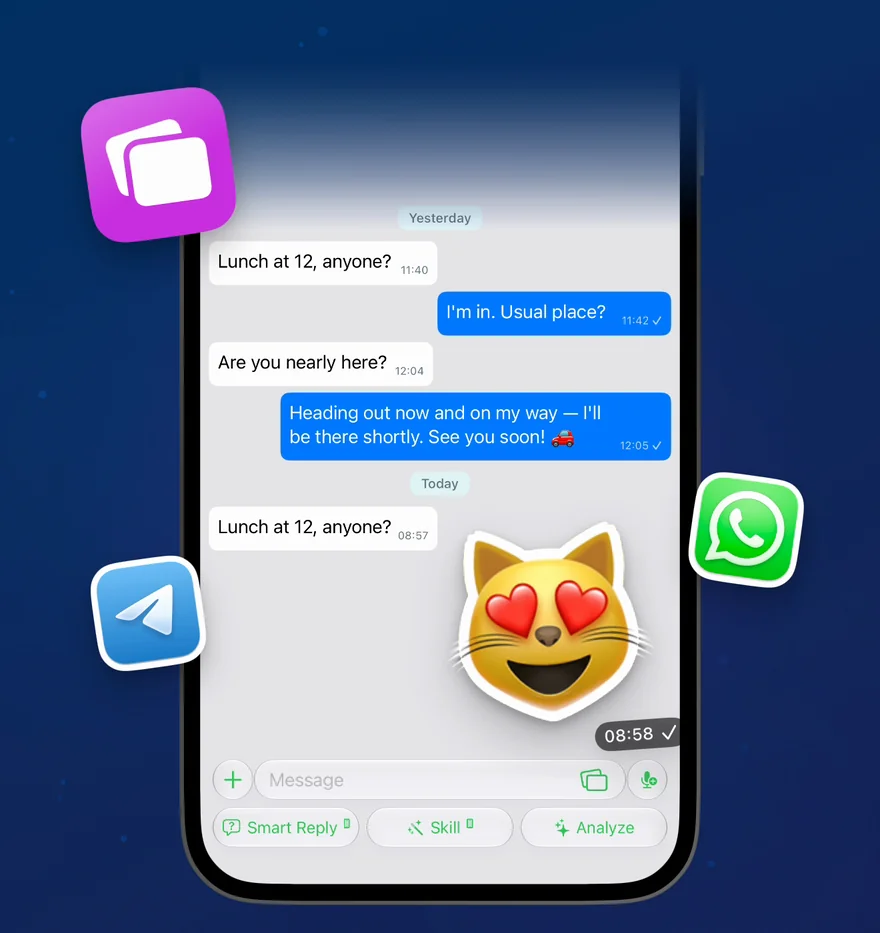
A unified conversation view with a cross-platform sticker picker — your Telegram stickers, premium custom emoji, and GIFs all available in the same keyboard, no matter which platform you're sending to. Telegram mask stickers work in the photo editor with automatic face detection. Emoji come alive with Telegram-style Lottie animations throughout the app.

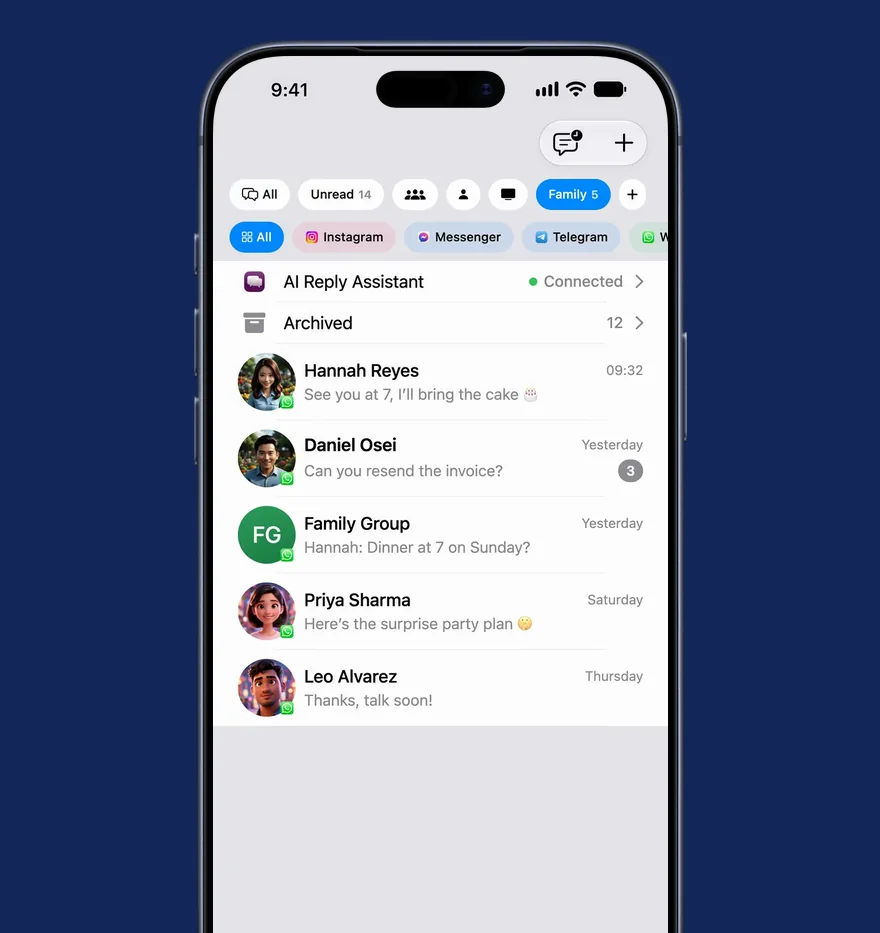
Unified inbox

WhatsApp and Telegram conversations in a single, scrollable inbox. Switch between platforms seamlessly without leaving the app.

Connect with a code. No QR, no fuss.

Phone Number
+1 555 123 4567
Enter with country code, e.g. +1 555 123 4567
🔗Code-based linking — no QR

WhatsApp and Telegram link differently — step through each flow above. Connections live on your device, never on our servers.

WhatsAppWhatsApp
TelegramTelegram
GiphyGiphy
AI Tools

Your AI knows what you know.

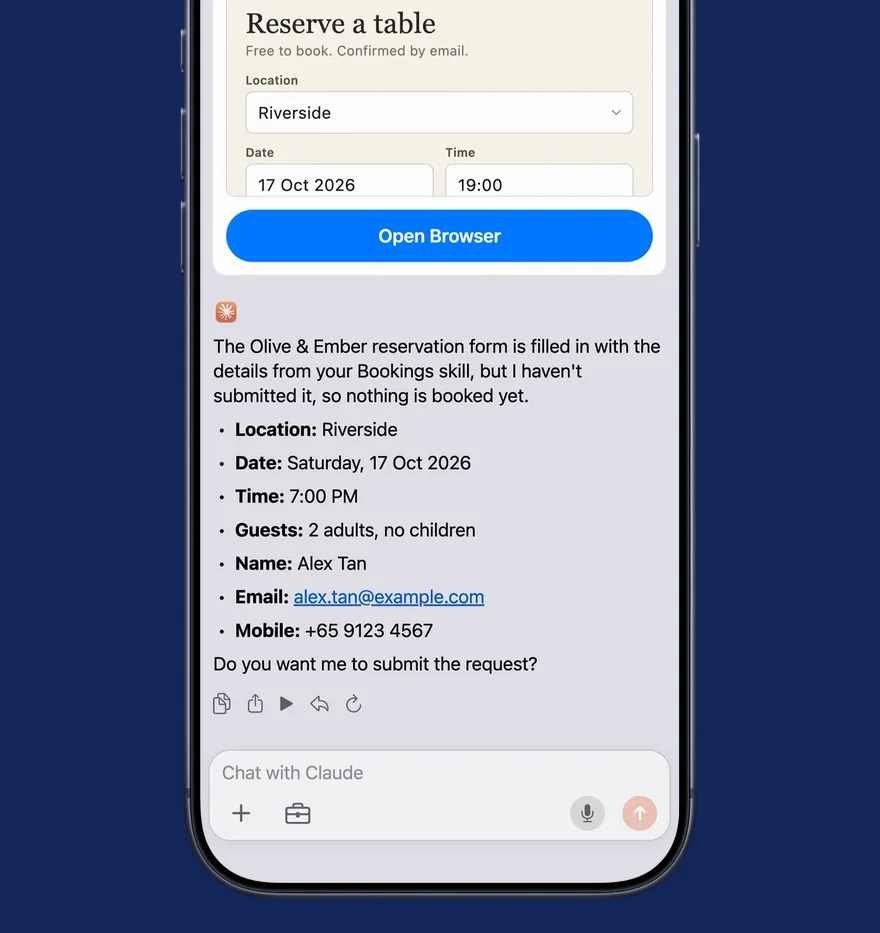
Give any Skill up to five tools — Claude decides when to call a tool based on your request and the tool's description, then AI Reply Assistant executes it on your device. Web search gives Claude direct access to real-time web content. Pre-built Agent Skills let Claude run code in a sandboxed container to create PowerPoint presentations, Excel spreadsheets, PDFs, and Word documents — downloaded as previewable file cards. Your AI drafts replies grounded in real-time context, not just the chat thread. When Claude wants to take action, it produces action cards — structured previews of messages, events, reminders, and more. You review, pick recipients, and confirm before anything is sent or created.

What’s the weather in Tokyo this weekend, and am I free Saturday afternoon?
Used 3 tools
Web Search
Tokyo weekend weather forecast
Weather
Tokyo · Sat–Sun
Calendar
Saturday afternoon availability
Tokyo looks clear this weekend — highs near 22°C with light winds on Saturday. And your Saturday afternoon is open after 2 PM. Want me to block out some time?
🛠️22 tools, shown inline

When Claude uses a tool, you see exactly what it did — every search, lookup, and action shown inline, right in the reply.

3 tools
Research & Knowledge

Give your Skill access to live information and your own documents.

Web Search · Knowledge Base · URL Fetcher

Tap ↻
Research & Knowledge
Web SearchNetwork

Direct access to real-time web content, allowing Claude to answer questions with up-to-date information beyond its knowledge cutoff. Includes intelligent result selection, concurrent page fetching, and per-page summarisation with cited sources.

Knowledge BaseOn-device

Hybrid semantic + keyword search across documents, URLs, and files you attach to a Skill. Results are AI-reranked for relevance.

URL FetcherNetwork

Fetch and cache content from your Skill's configured URLs. Refreshes automatically with rate limiting and cache management.

Tap ↻
9 tools
People & Messages

Search across your contacts, messages, and conversations — with deep cross-platform visibility.

Contacts · Platform Contacts · Messages · Message Context · Unread Summary · Chat Discovery · Forum Topics · Group Members · Mutual Chats

Tap ↻
People & Messages
ContactsOn-device

Look up names, phone numbers, birthdays, relationships, work info, and group members from your device contacts.

Platform ContactsOn-device

Search contacts on a specific platform by name, username, or phone number — finds people who may not be in your device address book.

MessagesOn-device

Search messages with 15+ filters — by sender, platform, date, type, starred, forwarded, media, and more. Falls back to semantic search when exact matches are not found.

Message ContextOn-device

Get surrounding messages around a specific message for full conversation context — useful for understanding replies in thread.

Unread SummaryOn-device

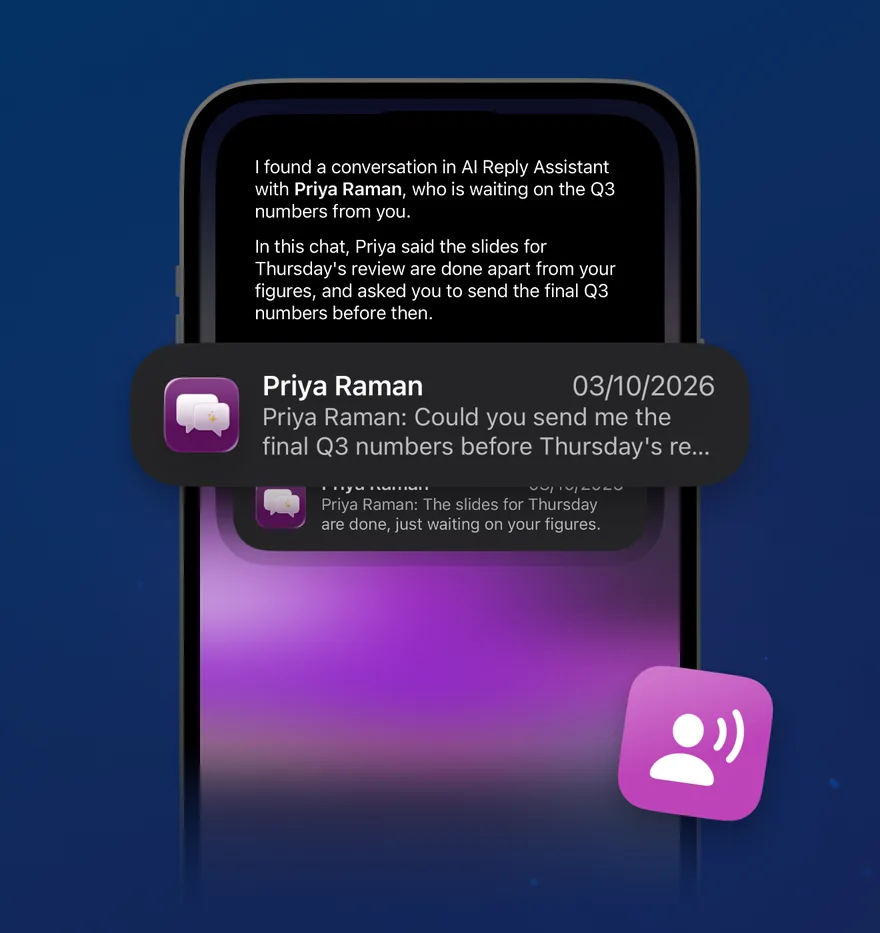
Get a summary of unread messages across all platforms — see what you missed at a glance.

Chat DiscoveryOn-device

Find and filter conversations by platform, unread status, pinned, archived, favourite, participant count, and activity date.

Forum TopicsOn-device

List and browse forum topics within Telegram supergroups — see topic names, message counts, and pinned status.

Group MembersOn-device

List participants of a group chat with roles, join dates, and admin status.

Mutual ChatsOn-device

Find groups and conversations you share in common with a specific contact.

Tap ↻
2 tools
Schedule & Tasks

Check your calendar and to-do lists without leaving the chat.

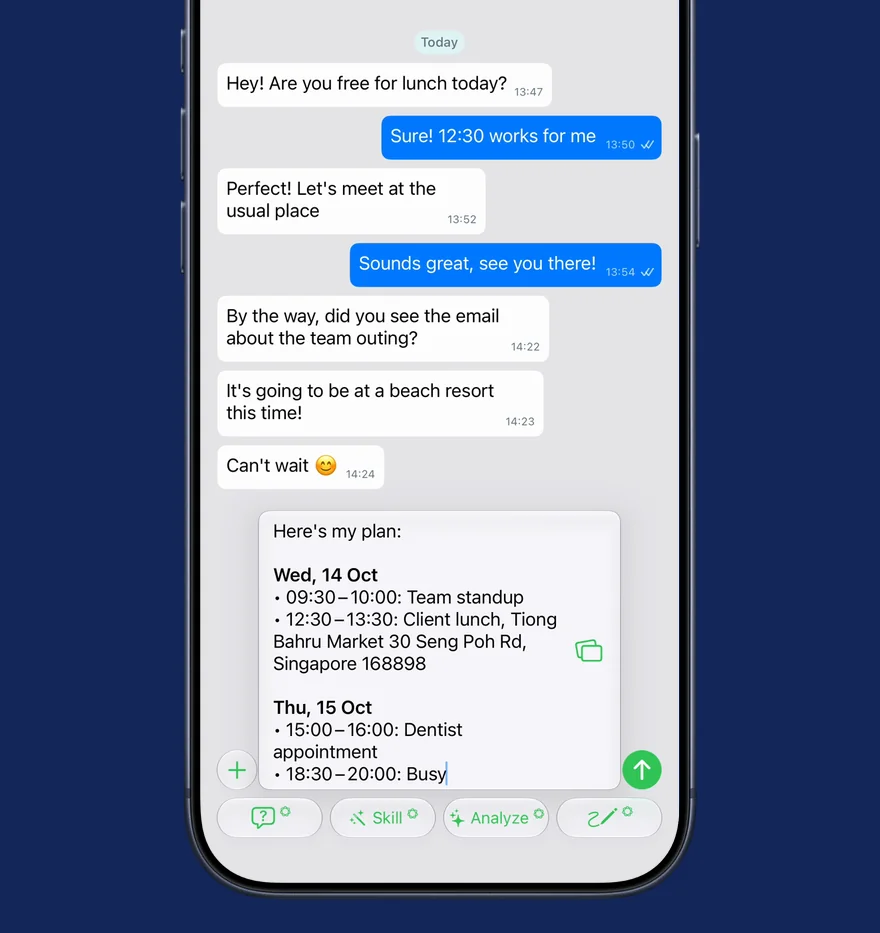
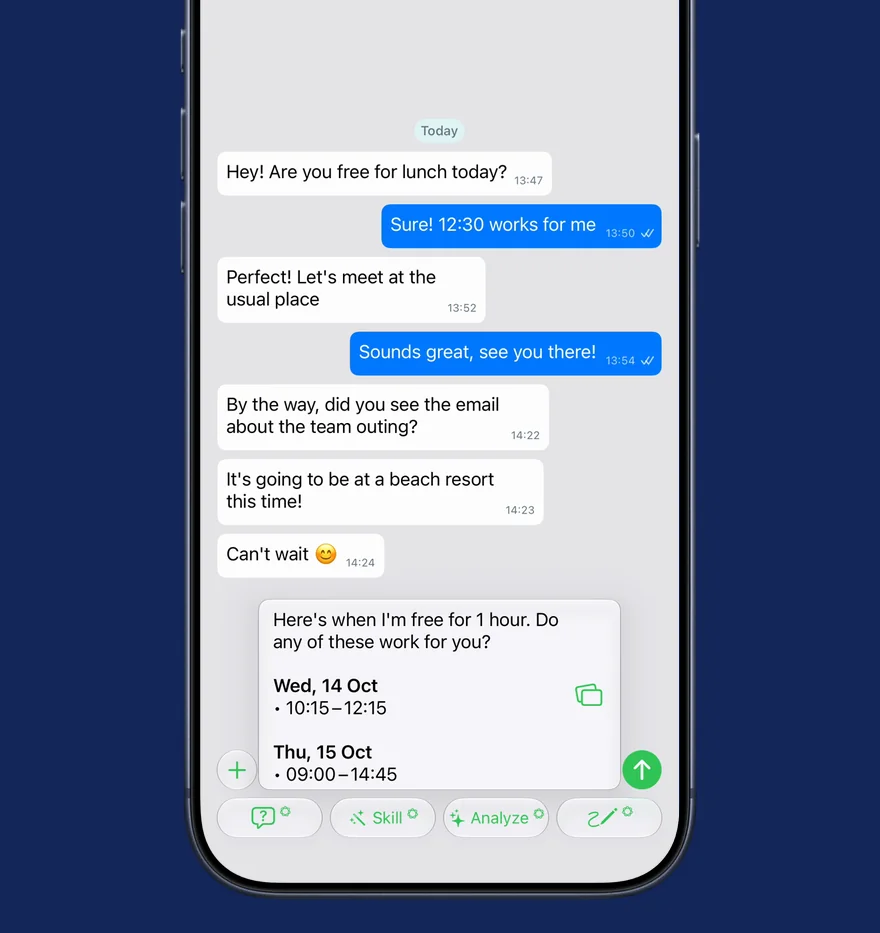
Calendar · Reminders

Tap ↻
Schedule & Tasks
CalendarOn-device

Search events by title, date, or location — up to 90 days back and a year ahead. Detects all-day events and shows calendar names.

RemindersOn-device

Access your task lists, reminders, and to-dos.

Tap ↻
2 tools
Location & Weather

Contextual awareness of where you are and what the weather is like.

Location · Weather

Tap ↻
Location & Weather
LocationOn-device

Get your current location, search for nearby places, or get directions. Location is cached for 10 minutes for efficiency.

WeatherNetwork

Current conditions, hourly (12 hours), and daily forecast (7 days) via Apple WeatherKit — with alerts, sunrise and sunset, and automatic unit conversion.

Tap ↻
4 tools
Files & Creation

Browse your files, generate images, create documents, and use pre-built Agent Skills for spreadsheets and presentations.

Files · Image Generation · Document Creation · Agent Skills

Tap ↻
Files & Creation
FilesOn-device

Search and read files from locations you grant access to. Supports PDF, DOCX, TXT, and other common formats. Also integrates with the Files API, which lets you upload and manage files without re-uploading content with each request — upload once and reference across multiple conversations.

Image GenerationOn-device

Create fun, original images on-device using Apple Intelligence Image Playground. Choose from three styles: Animation, Illustration, and Sketch. All images are created on device.

Document CreationOn-device

Generate or edit documents in TXT, Markdown, CSV, JSON, HTML, and Microsoft Word (.docx) formats. Claude writes the content with full formatting — headings, bold, italic, tables, lists, code blocks, and hyperlinks — then registers it as a sendable attachment.

Agent SkillsCloud

Modular capabilities that extend Claude's functionality. Pre-built Agent Skills let Claude run code in a sandboxed container to generate professional documents: PowerPoint presentations (.pptx), Excel spreadsheets (.xlsx), PDF reports (.pdf), and Word documents (.docx) — downloaded automatically and presented as previewable, shareable file cards.

Tap ↻
2 tools
Agent Intelligence

Persistent memory and parallel research for smarter conversations.

Memory · Sub-agent

Tap ↻
Agent Intelligence
MemoryOn-device

Store and retrieve information across conversations, allowing Claude to build knowledge over time. Save names, preferences, or important details — Claude automatically checks its memory before starting tasks and references it to handle similar tasks more effectively.

Sub-agentDepends on model

Spawn parallel research tasks — agents can act in parallel with their own isolated context, helping improve output quality and time to completion.

Tap ↻

Your data stays yours.

1
On-device first

18 of 22 tools process data entirely on your iPhone. Contacts, Calendar, Files, Messages, Location, Memory, Document Creation — none of it leaves your device.

2
Query-only networking

Web Search, Weather, and URL Fetcher send only the specific query — never your messages, conversation history, or personal data.

3
Per-Skill control

You choose which tools each Skill can use, up to five at a time. Every tool invocation is shown inline so you always know what happened.

Use cases

A Skill for every conversation.

Six ways people use AI Reply Assistant every day.

Family chats

Draft the right reply for parents, siblings, and in-laws — warm without overthinking it. Family Circle keeps the tone caring and connected.

Work messages

Professional but human — status updates, project threads, and 1:1s. Work Team keeps replies clear and on-point without sounding robotic.

Group coordination

Events, RSVPs, and logistics without the back-and-forth. Event Planner handles the details so you can focus on showing up.

Dating

Authentic, warm, and present — connection over cleverness. Dating Skill helps you reply with confidence without sounding scripted.

Customer conversations

Consistent, on-brand replies at human speed. Skills keep tone aligned across every support thread — no more copy-paste templates.

Social groups

Hobby clubs, gaming squads, interest communities. Social Group Skill keeps replies energetic and inclusive across larger circles.

Pricing

Free vs Pro.

Start free on one platform. Go Pro for both, unlimited everything, and your own Claude.

Free versus Pro plan feature comparison
Compare plans
Free
$0
Most popular
Pro
$4.17/mo
Billed annually — $49.99/yr · save ~45%
or $7.49 billed monthly · 7-day free trial
Connect WhatsApp & Telegram1 platformBoth
SkillsUp to 20Unlimited
Quick RepliesUp to 10Unlimited
Recipients per scheduled messageUp to 2Unlimited
On-device AI — Smart Reply, Analyze, Skills10 per dayUnlimited
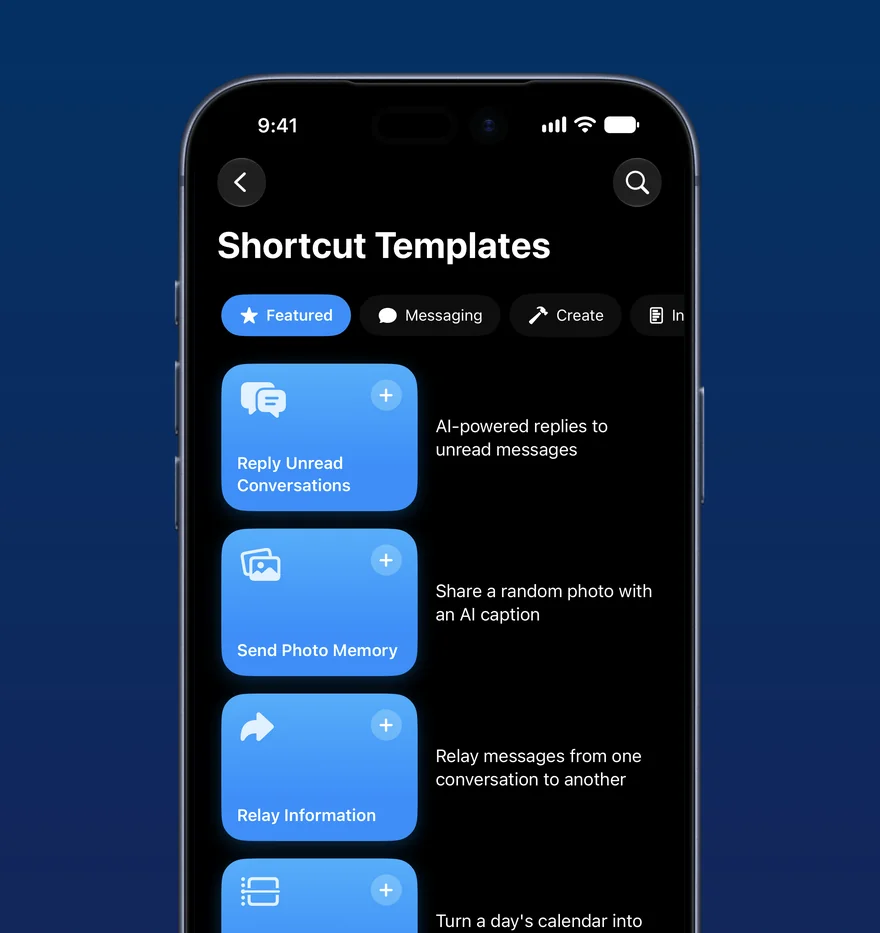
Premium Shortcut templatesIncluded
Bring your own Claude (your own API key)Included

Common questions

Yes. AI Reply Assistant uses on-device connections for WhatsApp and Telegram — messages go straight from your phone to the network, never through our servers. Apple Intelligence is integrated through on-device processing. You control when Claude is used — and even then it goes directly to Anthropic with your own API key.

WhatsApp and Telegram today, both via on-device connections. WhatsApp connects via Whatsmeow; Telegram via TDLib. More platforms are on the roadmap.

Yes — AI Reply Assistant is free to download and use, with no account required. The **Free** plan connects one platform (WhatsApp or Telegram) and includes up to 20 Skills, up to 10 Quick Replies, up to 2 recipients per scheduled message, and 10 on-device AI actions per day (Smart Reply, Analyze, and Skills). **Pro** unlocks both platforms at once, unlimited Skills, Quick Replies, scheduled recipients, and on-device AI, plus Premium Shortcut templates and the option to bring your own Claude (your own Anthropic API key). Pro is $7.49/month, or $49.99/year (about $4.17/mo — save ~45%) with a 7-day free trial on the annual plan. Apple Intelligence is built in on every plan, processed on-device. There are no per-message fees.

iOS 26 or later, on an Apple Intelligence-capable device (iPhone 15 Pro and later). AI Reply Assistant is iOS-only — no Android, no web.

Absolutely. Apple Intelligence is integrated into the core of AI Reply Assistant through on-device processing — Smart Reply, Writing Tools, Image Playground, and more, no API key required. With Claude, you get even more expertise to handle more complex requests — extended thinking, 22 AI tools, multimodal understanding, document creation, and a context window 250x larger than the on-device model.

Want the full specs? See the Quick reference →

Reply in seconds.

Download AI Reply Assistant on iOS and try it free.